
Dead spots and weak rooms
Meeting rooms, offices, corridors, warehouse aisles or external areas have little usable signal.
Wigan's mix of offices, warehouses, workshops and larger operational sites can expose weak coverage, poor roaming and network bottlenecks very quickly. Bluebox looks beyond the access points to switching, cabling and connectivity as well, then designs a practical Wi-Fi solution around the building and the devices that depend on it.
Let's have a conversation →Wi-Fi faults are rarely described in technical language by users. They sound like "Teams keeps freezing", "the scanner drops out in the warehouse" or "it works at one end of the office but not the other". Those symptoms are the useful starting point.
Meeting rooms, offices, corridors, warehouse aisles or external areas have little usable signal.
Mobiles, laptops, scanners or tablets drop connection, particularly when users move between areas.
Teams meetings, Wi-Fi calling and internet-based phone calls expose unstable coverage and roaming very quickly.
A speed test at the router looks healthy, but users still experience poor performance elsewhere in the building.
The network seems fine when quiet but slows or becomes unreliable as more people and devices connect.
Visitors need internet access, but you do not want them simply joining the same network as business systems.
A useful Wi-Fi conversation starts by separating wireless coverage from the rest of the network. These are examples of the questions we use to narrow the problem down.
A wireless network sits on top of the wired network beneath it. Excellent Wi-Fi coverage will not compensate for an overloaded switch, poor cabling, insufficient PoE power, slow uplinks or the wrong internet connection.
We start with the business problem, not a box of equipment.
We look at coverage and capacity, not just signal strength.
We consider switching, cabling and connectivity where they affect the result.
We explain the recommendation in plain English and avoid unnecessary replacement.
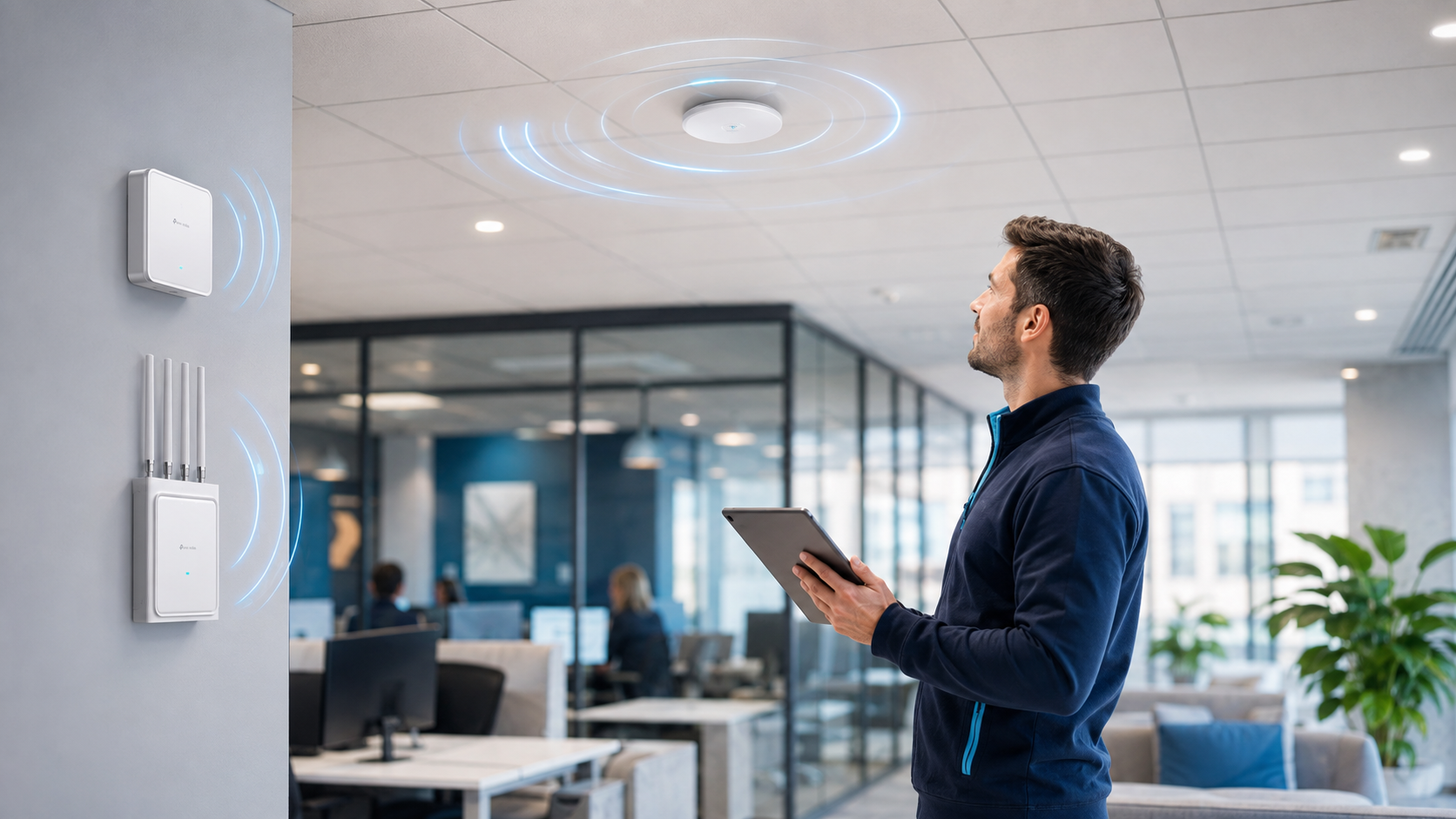
Not a promise of "full bars everywhere". A network designed around real users, applications and environments.
Reliable wireless service in the rooms, floors, warehouse areas and workspaces that matter.
Access points and network infrastructure sized for the number and type of devices using them.
Sensible overlap and configuration for devices that need to move between areas while remaining connected.
A managed setup that can be understood, monitored and maintained after the installation is complete.
The right solution depends on layout, materials, device numbers, applications and how people use the site.
Office Wi-Fi needs to support laptops, mobile devices, cloud systems, Teams meetings and increasingly Wi-Fi calling. Coverage needs to be balanced with capacity: placing an access point in every room is not automatically better.
We consider where users congregate, how meeting rooms are used, whether staff move around the building and whether the existing wired network is capable of supporting the wireless design.
Warehouses can be difficult wireless environments. Racking, stock, building construction, long aisles and changing layouts can all influence radio coverage. Operational devices such as scanners and tablets may also behave differently from modern laptops and phones.
The objective is dependable coverage for the devices that matter to the operation, not simply a strong reading at one convenient test point.
Yards, external working areas and separate buildings may need weather-suitable access points or a point-to-point wireless link. Where running physical cable or fibre is impractical, wireless bridging can sometimes provide a sensible alternative.
Distance, line of sight, mounting positions, bandwidth requirements and resilience all need to be considered before choosing that route.
Businesses with several premises often benefit from a repeatable design: consistent wireless network names, security policies, guest access and central visibility while still allowing each site to be designed around its own building.
Bluebox can also look at how Wi-Fi fits with the wider connectivity and network infrastructure across those sites.

The depth of the survey depends on the site, but the principle is simple: understand the existing network and the required outcome before deciding what to install.
No. A small office with an obvious problem does not necessarily need the same level of survey as a large warehouse, school or multi-floor building. We choose the level of investigation that is proportionate to the site and the problem.
For more complex environments, a site visit and more detailed coverage planning can reduce guesswork and help establish the right number and position of access points.
For suitable installations, Bluebox commonly uses TP-Link Omada as part of the wider network design.
Compatible access points, switches and gateways can be viewed and managed together rather than as a collection of unrelated devices. That can help with consistent configuration, troubleshooting and ongoing support.
Depending on the design, staff, guest and other networks can be separated, and the system can provide useful visibility into connected devices and access-point health.
The controller does not make a poor design good. Correct access-point placement, suitable switching, cabling and capacity remain the foundation.
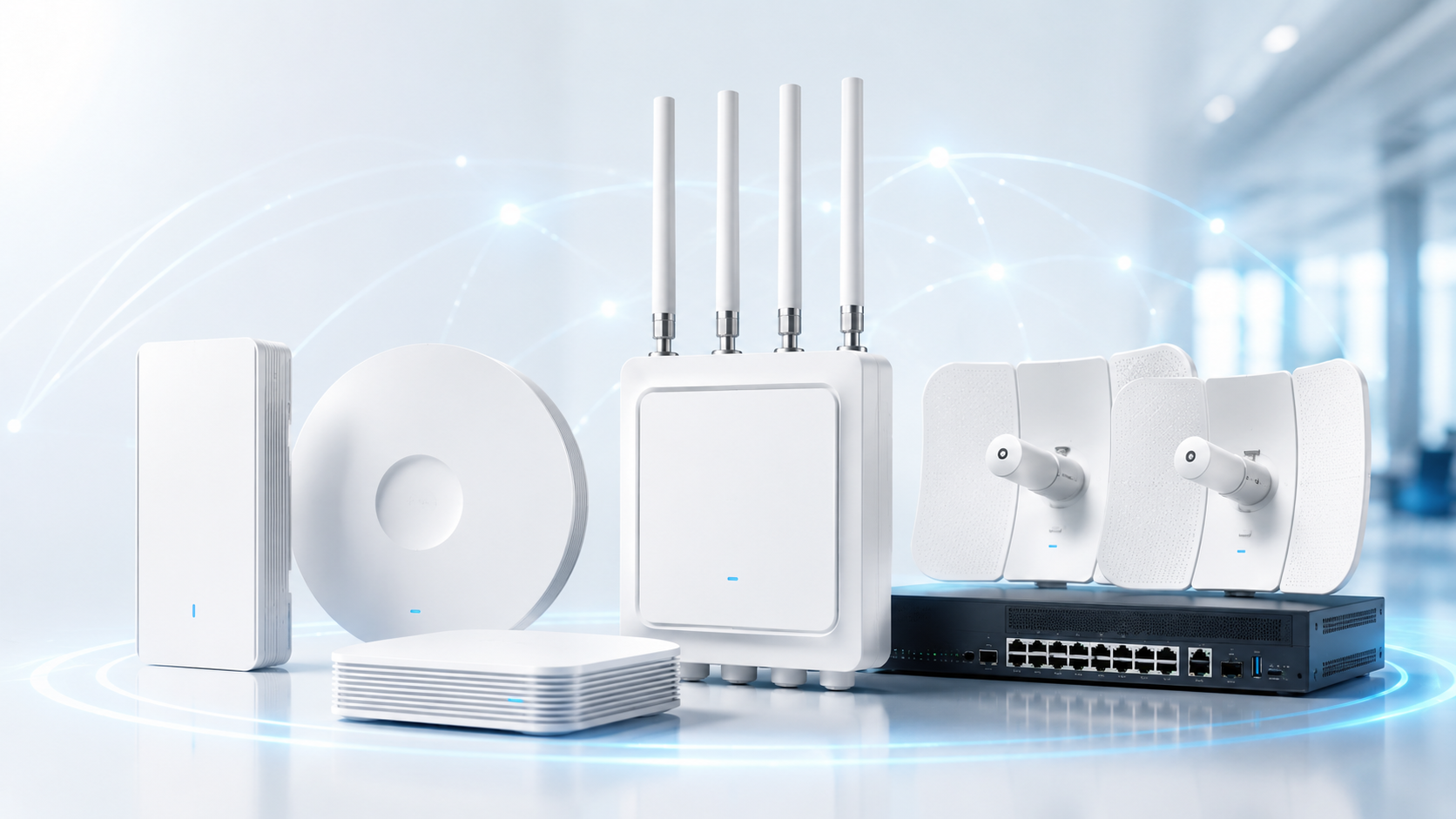
Visitors often need internet access without needing access to internal business devices. A managed network can provide separate wireless networks and, where appropriate, network segmentation so staff, guests and other device groups are not simply sharing the same unrestricted network.
The exact design depends on the business. A guest network for a small office is different from Wi-Fi for a school, multi-tenant building, hospitality environment or site with operational devices.
Newer Wi-Fi standards can improve efficiency and capacity, but the newest access point is not automatically the right answer. Wi-Fi 6 remains a strong fit for many business environments, while Wi-Fi 7 can be useful where compatible devices, higher capacity or future requirements justify it.
We look at the client devices already in use, expected lifecycle, user density, applications and the underlying wired network. Upgrading access points without considering the rest of the network can move the bottleneck rather than remove it.
Bluebox provides Wi-Fi surveys, access-point installation, network upgrades and ongoing support for businesses across Wigan. Our Horwich-based engineers cover the wider North West, making Wigan a straightforward area for site visits, installation and support.
That can include offices, industrial units, workshops, warehouses, schools and multi-site operations where reliable wireless coverage is part of day-to-day productivity.
No complicated buying process and no assumption that everything needs replacing.
We establish where the problems appear, when they happen, which devices are affected and what the business needs the network to support.
Where appropriate, we inspect the Wi-Fi and the supporting network, then recommend the equipment and changes that make sense.
Our engineers configure the network, test the finished installation and remain available to support it afterwards.
Reliable Wi-Fi depends on more than the access points. Bluebox looks at the wireless network, switching, cabling and connectivity together, so the recommendation is based on the whole environment rather than one piece of equipment.
Bluebox's wider customer story is built around keeping businesses connected over the long term. That matters on a Wi-Fi project because the access points are only one part of the network and the relationship does not end when the engineer leaves site.
These are often more important to a buyer than another list of technical features.
There is no sensible flat price because the building, cabling, number of access points, switching and installation requirements vary. Bluebox establishes the scope first and then provides a clear proposal.
A small office can be very different from a warehouse or multi-floor site. The proposal should make the installation approach and expected disruption clear before work begins.
No. Existing switches, cabling or access points can be retained where they remain suitable. The objective is to solve the problem, not manufacture a larger equipment list.
Often, yes. Larger sites can sometimes be upgraded by area, building or priority so the most important problems are addressed first and disruption is controlled.
Useful answers before you decide whether a survey, upgrade or simply a second opinion is needed.
The internet connection and Wi-Fi are different parts of the path. Poor access-point placement, interference, congestion, an overloaded switch, old cabling or insufficient capacity can make wireless users slow even when the broadband itself is performing well.
Often, yes. We first review the existing access points and supporting network. The right answer may be repositioning, configuration changes, replacing selected equipment or improving the wired network rather than starting again.
Floor area alone is not enough to answer that. Layout, wall construction, floors, racking, device density, applications and expected coverage all influence the number and position of access points.
Yes. The level of survey depends on the site. A small office may need a straightforward review, while warehouses, schools and more complex buildings can require more detailed coverage and infrastructure planning.
Yes. Suitable managed networks can provide separate wireless networks for staff, guests, tenants or other groups and apply appropriate separation between them.
Yes. Warehouse projects need to take account of racking, construction, distances, device types and changing stock levels. Scanners and operational devices may also have different wireless requirements from laptops and phones.
Voice and video are sensitive to interruptions. Coverage overlap, roaming behaviour, access-point placement, interference and the client device itself can all influence whether a call remains stable as somebody moves through the building.
That depends on your existing devices, capacity requirements, budget and upgrade cycle. The newest standard is useful when it solves a real requirement; it is not a substitute for good network design.
Yes. If switching, PoE capacity, network cabling or uplinks are contributing to the wireless problem, they need to be considered as part of the solution rather than treating Wi-Fi in isolation.
The cost depends on the size and construction of the site, the existing network, the number and type of access points, any switching or cabling work and the complexity of installation. Bluebox scopes the requirement before providing a proposal rather than applying a generic per-access-point price.
That varies from a straightforward small-office upgrade to a larger warehouse or multi-floor deployment. The installation plan should be agreed in advance so the business understands the likely timescale and disruption.
Potentially, yes. The first step is to understand the existing controller, access points, switches, configuration and ownership. From there Bluebox can advise whether the current setup can be improved, expanded or needs selected replacement.
Yes. Bluebox can support suitable managed Wi-Fi and network installations after the project is complete, giving the business a local point of contact when changes or faults need investigating.
Bluebox also provides business Wi-Fi installation and support across the wider North West, including Bolton, Bury, Chorley and Preston.
You do not need to diagnose it before speaking to us. Tell us what users are experiencing, where it happens and what is already installed. We can help work out whether the issue is Wi-Fi, the wider network or the internet connection before deciding what actually needs upgrading.
Let's have a conversation →